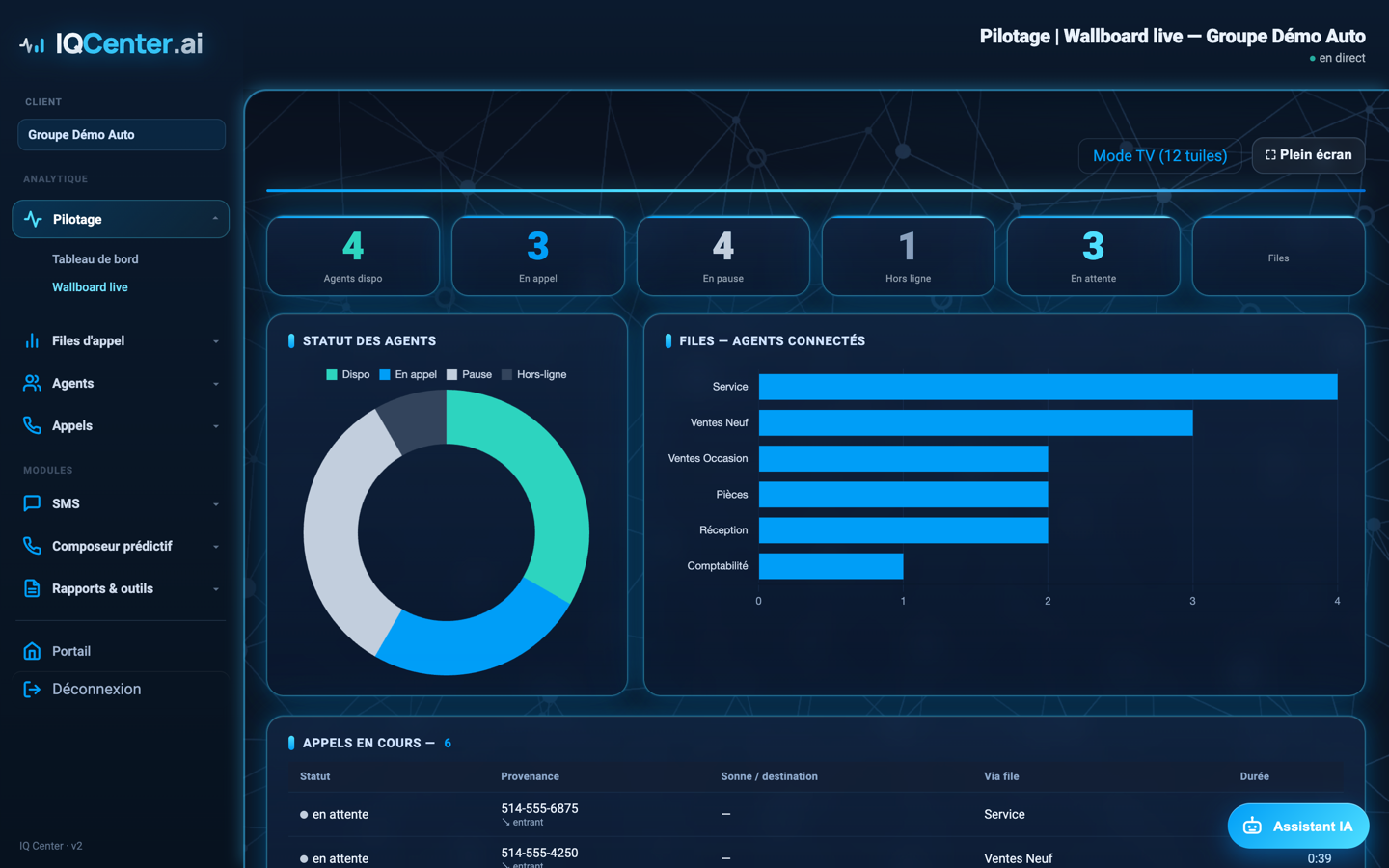
A wall display the whole team can see, updated continuously: calls waiting, available agents, service level per queue. You catch the problem while it happens — not the next morning in a report.
The wallboard shows the same figures as your dashboards, formatted to be read from across the room. It runs in a browser, so any television with a computer or an HDMI stick will do.
A number on permanent display tends to correct itself. When an agent sees three calls waiting on the screen at the back of the room, the personal conversation ends. When a supervisor sees service level slipping below target at 2 p.m., someone comes back from break — instead of the problem being discovered the following Monday. That is the most immediate effect of the tool, before any analytics.
IQ Center reads your existing 3CX. You keep your phone system, your numbers and your handsets. The connection uses a dedicated service account on your 3CX server, and the figures come from 3CX's official report, so they line up with your console.
No. IQ Center works with both 3CX Pro and Enterprise licences. The connection uses a dedicated service account on your 3CX server, with no licence upgrade required.
Any screen connected to a web browser: a television with an HDMI stick, an old laptop, or a tablet. The wallboard is a web page, so there is no software to install.
Yes. Calls received, answered and abandoned come from 3CX's official report rather than an independent recalculation, which keeps the display aligned with your console. The rare cases where a legitimate difference can appear are documented and explained on request.
Yes. The wallboard can show a consolidated multi-location view or be filtered to a single location, depending on what the team watching it needs to see.
Open the live demonstration — real functionality, fictional data, no signup. Or talk to an expert who will show you what it would look like on your 3CX.